 DecorlyAI
AI room designer
An AI room designer that redesigns your room, not a stock one
Photograph the room you want to change. DecorlyAI redesigns that room — same windows, same shape, same proportions — in the style you pick, with real furniture that fits it.
In short
An AI room designer generates a redesigned image of a room from a photograph. DecorlyAI is a room designer rather than a room generator: the output is your room reimagined, not a stock room in your style.
Design the room you have
Tools that generate a room from a text prompt give you inspiration you cannot act on — the proportions are invented and the furniture is fictional. DecorlyAI starts from your photo, so what comes back is recognisably your space.
That matters most for the parts you cannot change. A radiator under the window, an awkward chimney breast, a narrow through-room: those stay in the frame, and the design has to work around them.
Real rooms redesigned with DecorlyAI
Before and after, from real rooms measured by DecorlyAI. Dimensions shown are the room's measured size.
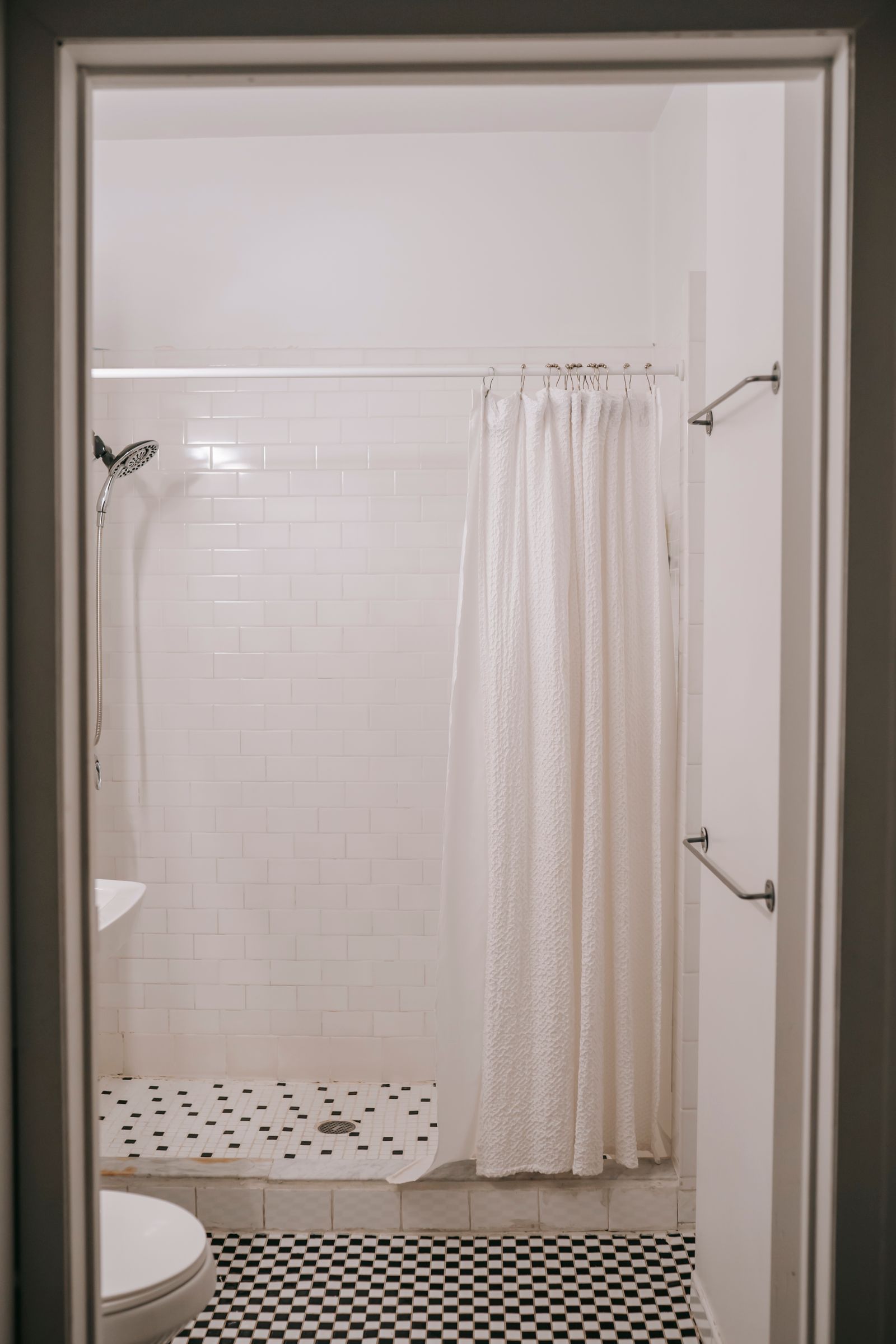
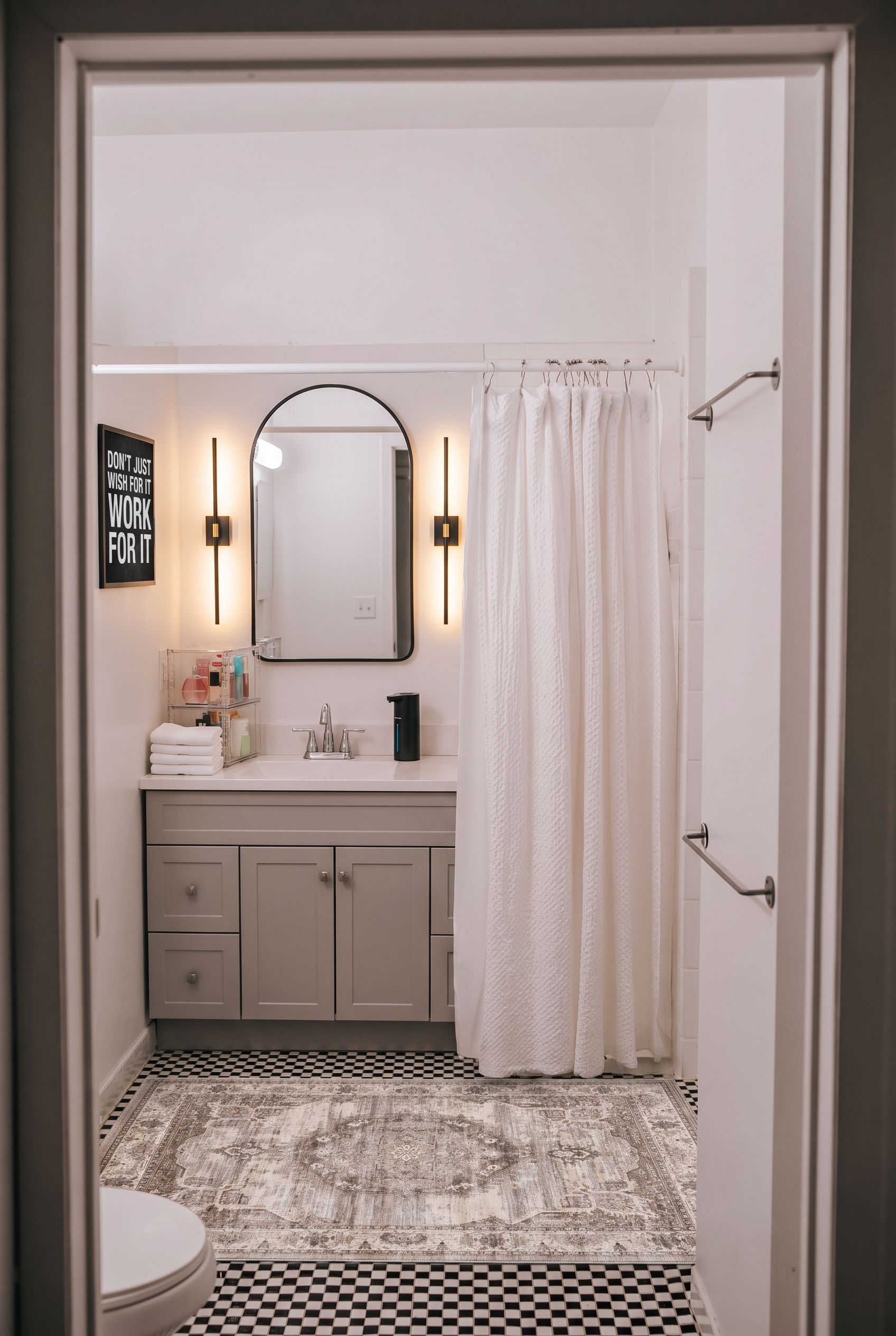
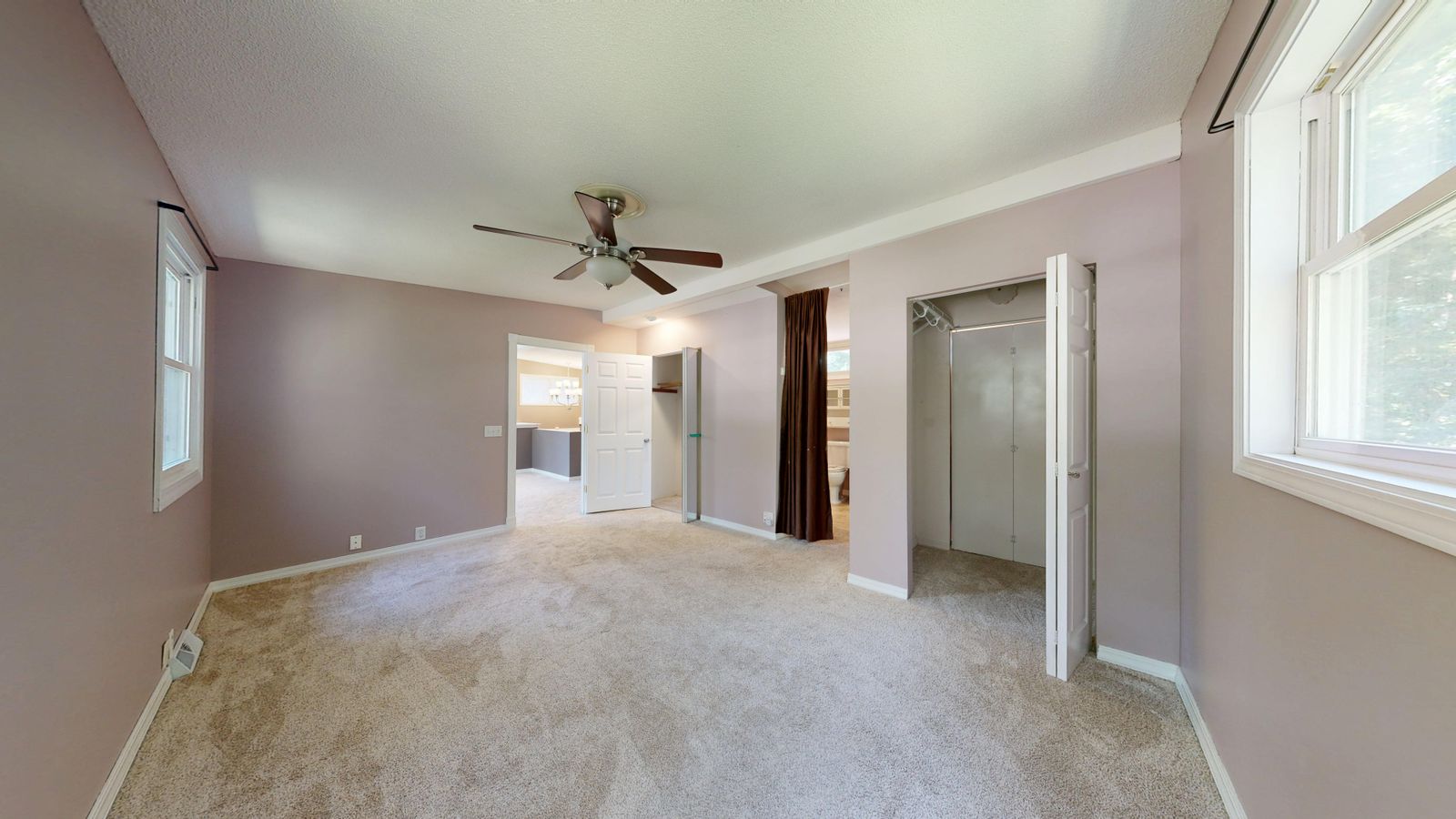
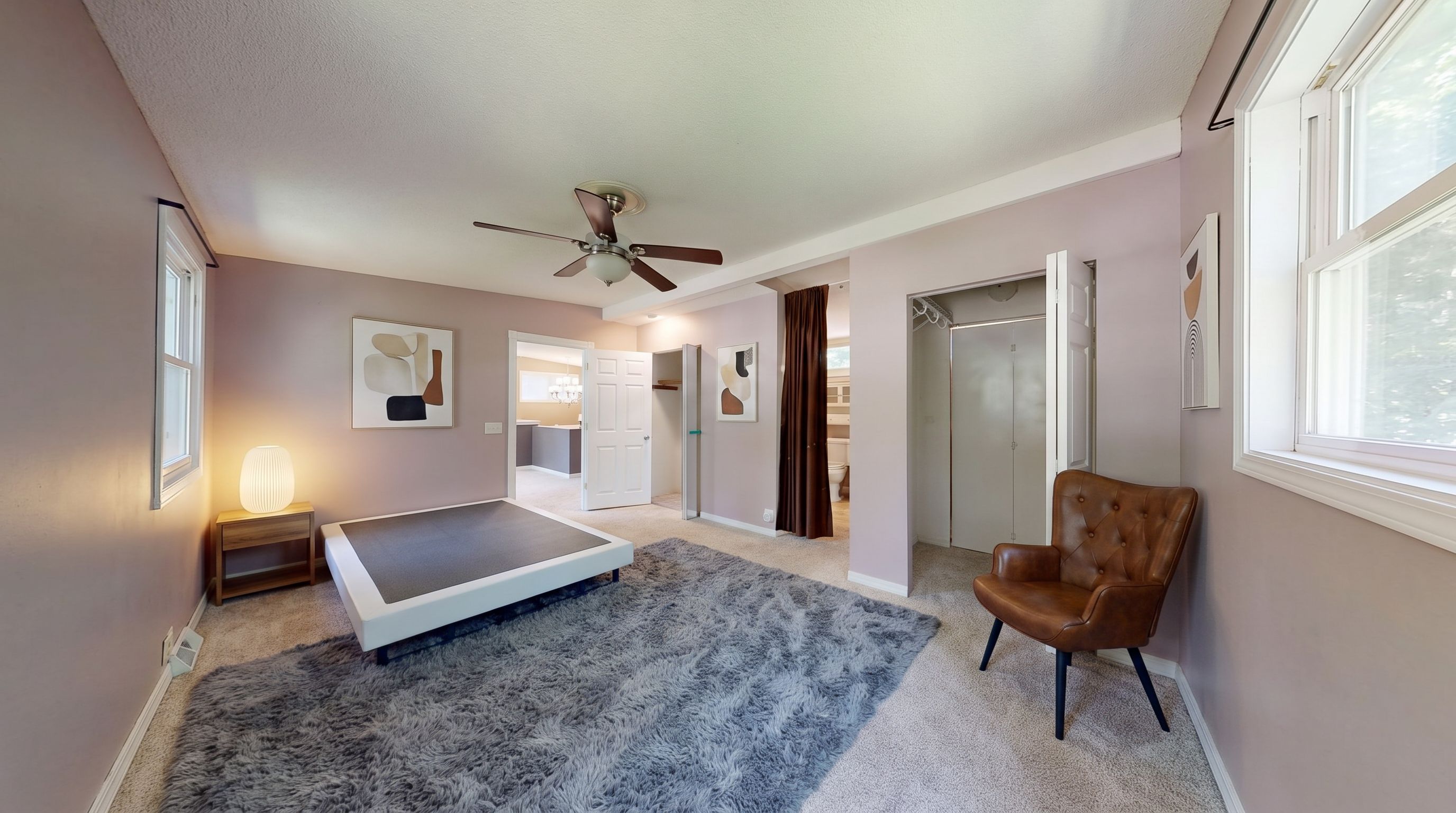
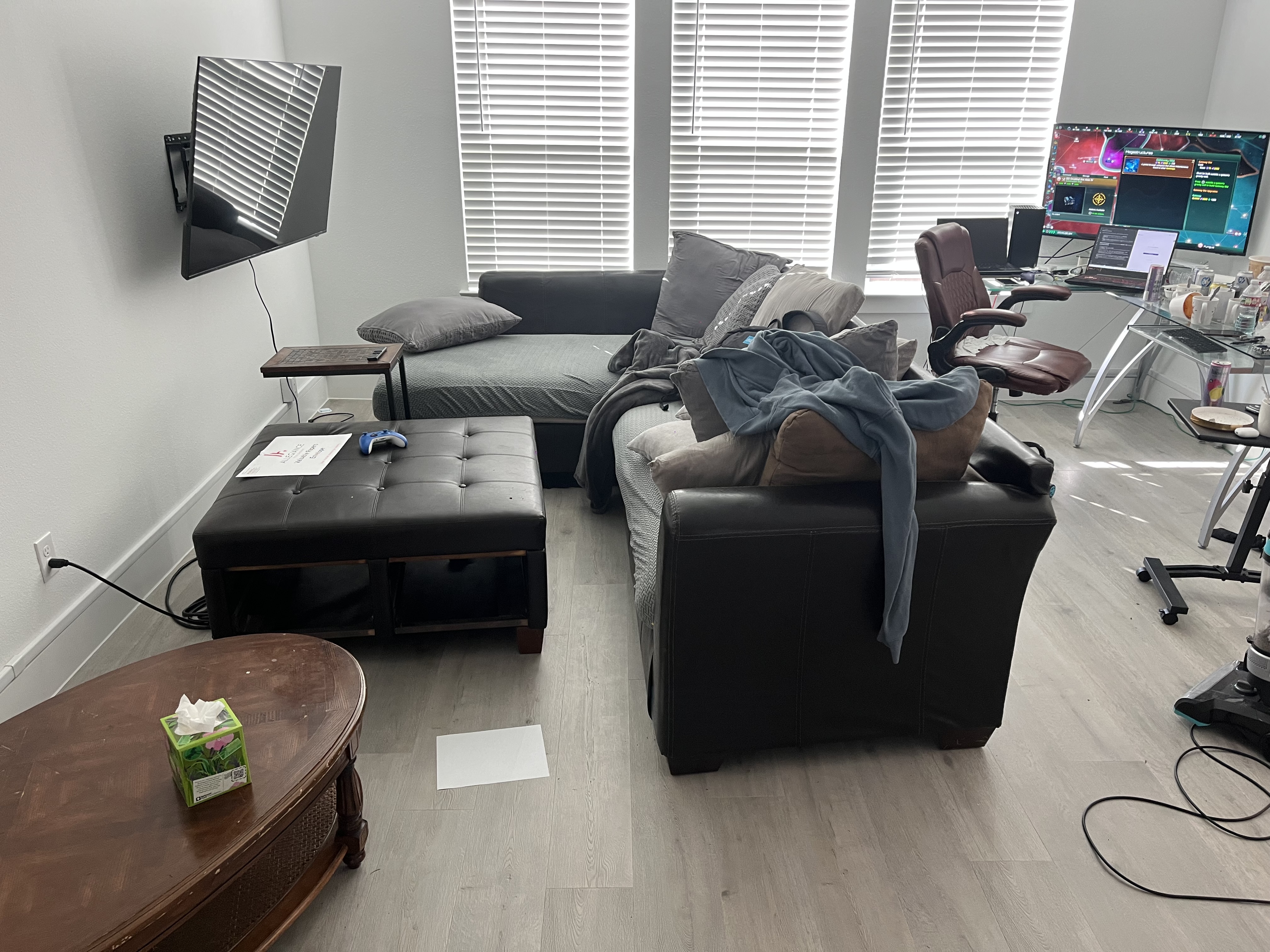
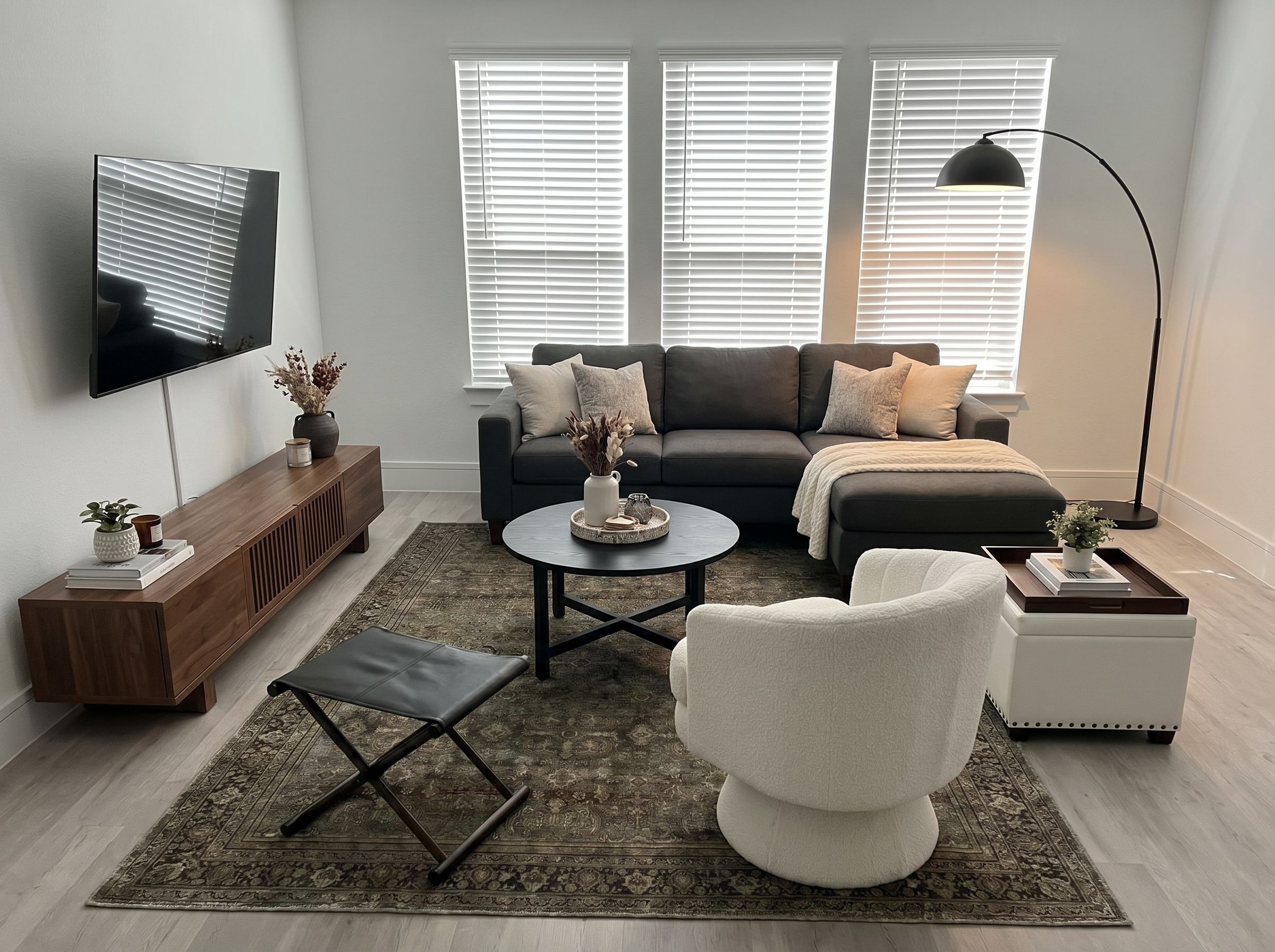
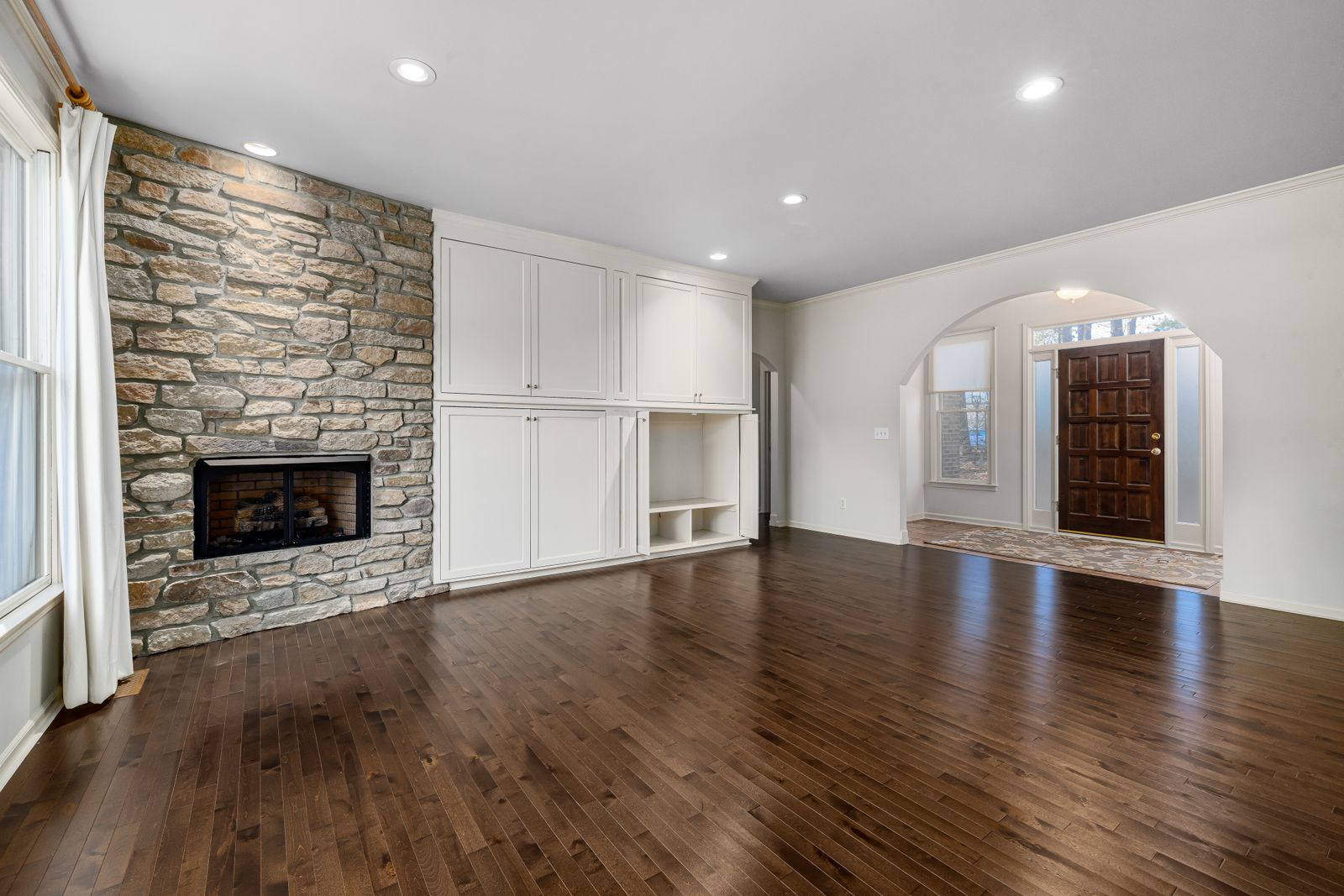
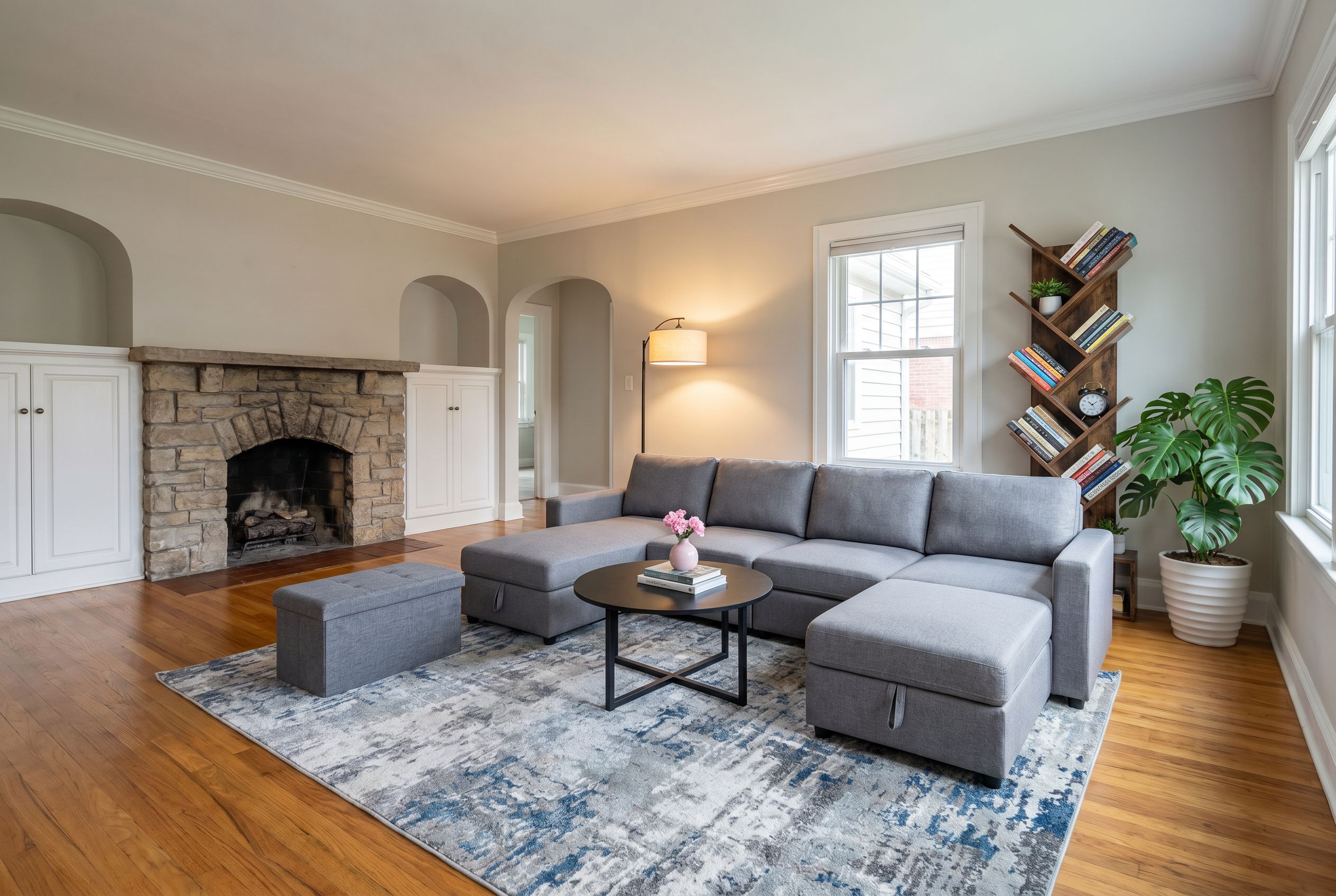
From photo to redesign
-
Photograph the room
Take a photo of the room you want to redesign from a corner or the doorway, with as much floor and wall in frame as you can, so the room can be measured.
-
DecorlyAI measures the space
Something of known size in the photo, such as a standard doorway or a reference object on the floor, gives the image a real-world scale, used to estimate the room's footprint, wall lengths and ceiling height. You can correct any dimension with your own tape measurement.
-
Choose a room type and style
Pick from 8 room types and 128 interior design styles, from Modern and Japandi to French Country and Industrial.
-
DecorlyAI generates the redesign
Furniture is selected from real products that fit the measured room. An AI image model then draws the room with those pieces, guided by each product's own photo. You get multiple variations.
-
Shop the room
Each piece in the design links to the seller's listing for the product it was drawn from, so the redesign works as a shopping list. Check the listing before you buy: the picture is an AI preview. Designs can be saved, favorited, shared and downloaded.
Key features
- Photorealistic redesigns generated from a single room photo.
- 128 selectable interior design styles across 8 room types.
- Photo-based room measurement using a plain sheet of paper or a printable calibration marker.
- Furniture filtered to pieces that physically fit the measured room before rendering.
- Multiple design variations per request, downloadable in high resolution.
- Every piece in a design links to a real retailer listing.
- Empty-room staging for listings and unfurnished spaces.
- Save, favorite, share and export designs; credits do not expire.
Room by room
Each room type has its own furniture logic — a bedroom is anchored on the bed and its clearances, a living room on the seating group and traffic flow.
Getting a good result
The photo does most of the work. A few things reliably improve the output:
Shoot the whole room
Stand in a corner or doorway so two walls and the floor line are visible. A tight crop of one wall gives the model very little to measure or preserve.
Include the reference object
Put a plain sheet of paper flat on the floor, fully visible and not folded. That is what gives the image real-world scale.
Use even daylight
Avoid heavy backlighting from a window behind the camera position, and turn on the lights if the room is dim.
Try more than one style
Styles diverge more than people expect. Running the same photo through two or three is the fastest way to find the direction you actually want.
Frequently asked questions
Can AI redesign a room from a photo?
Can AI preserve the layout of my room?
How does DecorlyAI measure my room?
How long does a redesign take?
What rooms can DecorlyAI redesign?
How accurate are the results?
Is there a DecorlyAI mobile app?
Is DecorlyAI free?
Try it on a room in your home
One photo, one style, a few minutes. Credits start at $0.99 and never expire.
Design a roomYour first design is free, while free designs last. Then from $0.99; credits never expire.